How to install Power Archiver on Windows This guide will tell you
how to install Power Archiver.
First you need to get Power Archiver, download and start the
exe-file.
powarc611.exe
When the installation begins, click next 5 times.

If you see
this message, press Yes.

Deselect
"What's New", then press Finish.
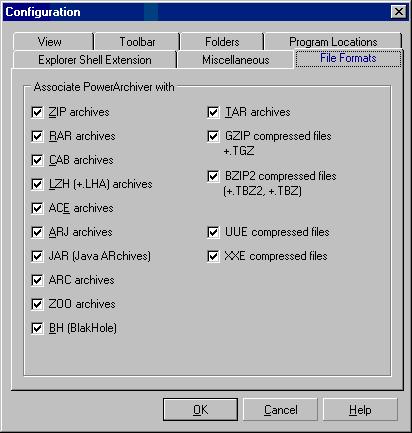
Leave all
the boxes marked, unless you want to associate some file types
to
other programs like winace, winzip and winrar.
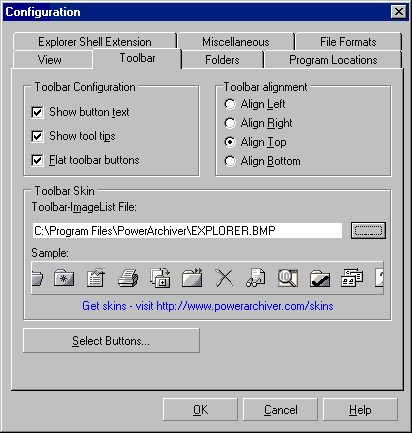
Optional:
Select the Toolbar tab, then choose EXPLORER.BMP as toolbar
Skin.
Most new users prefers explore-like icons.
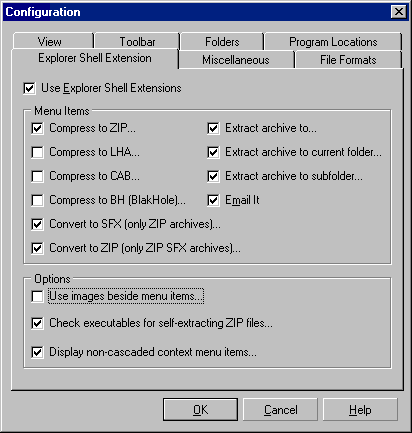
Optional:
It is a good idea to disable "Use image beside menu
items...",
since it will take longer time to right click on a
file with it enabled.
Now press OK.
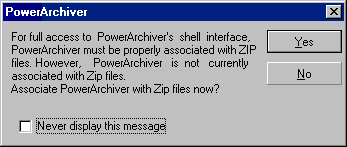
Press
Yes.
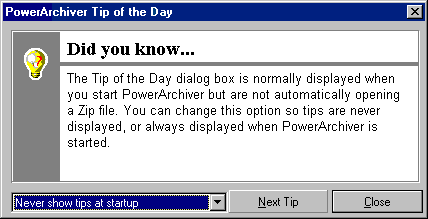
Select
"Never show tips at startup" and press Close
Ok, the installation is complete.
Now install the minor driver/library update that was released shortly after Power Archiver 6.11
Download and install the .exe file: powarc6u.exe
Once you've completed that, You're all set to go!
Power Archiver - Power
Archiver's homepage. ...Remember! This version 6.11 is the last published free version! |